Portfolio Q&A
Ask about exposure, performance, or cash the way you would ask a colleague, and get a sourced answer.

Put your reconciled data to work. Canopy answers questions, prepares recurring tasks, and flags what matters, with you always in control.
Complete discretion. No obligation.
 Illustrative
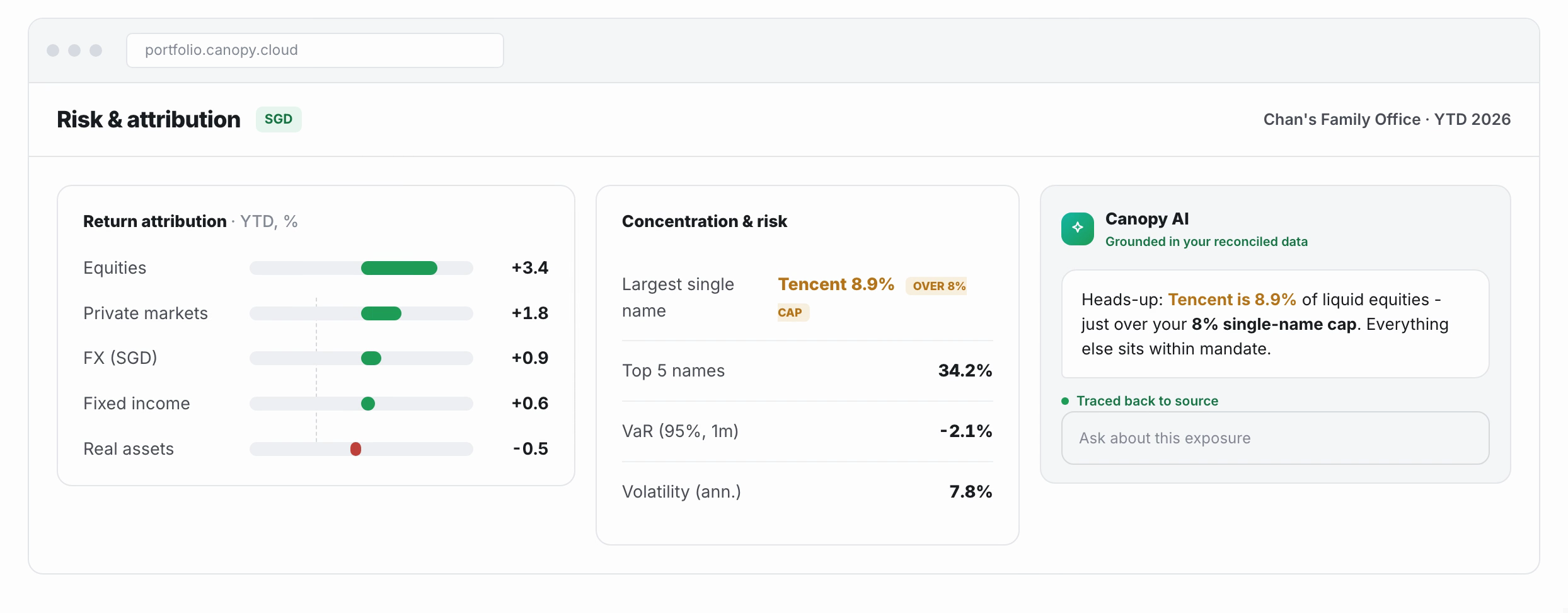
Put a question in plain language and get an answer, with the analysis behind it, drawn from your own holdings.
Ask about exposure, performance, or cash the way you would ask a colleague, and get a sourced answer.
Returns, attribution, and exposure, from the portfolio total to a single investment.
Concentration, drift, and upcoming events, flagged before you go looking.
 Illustrative
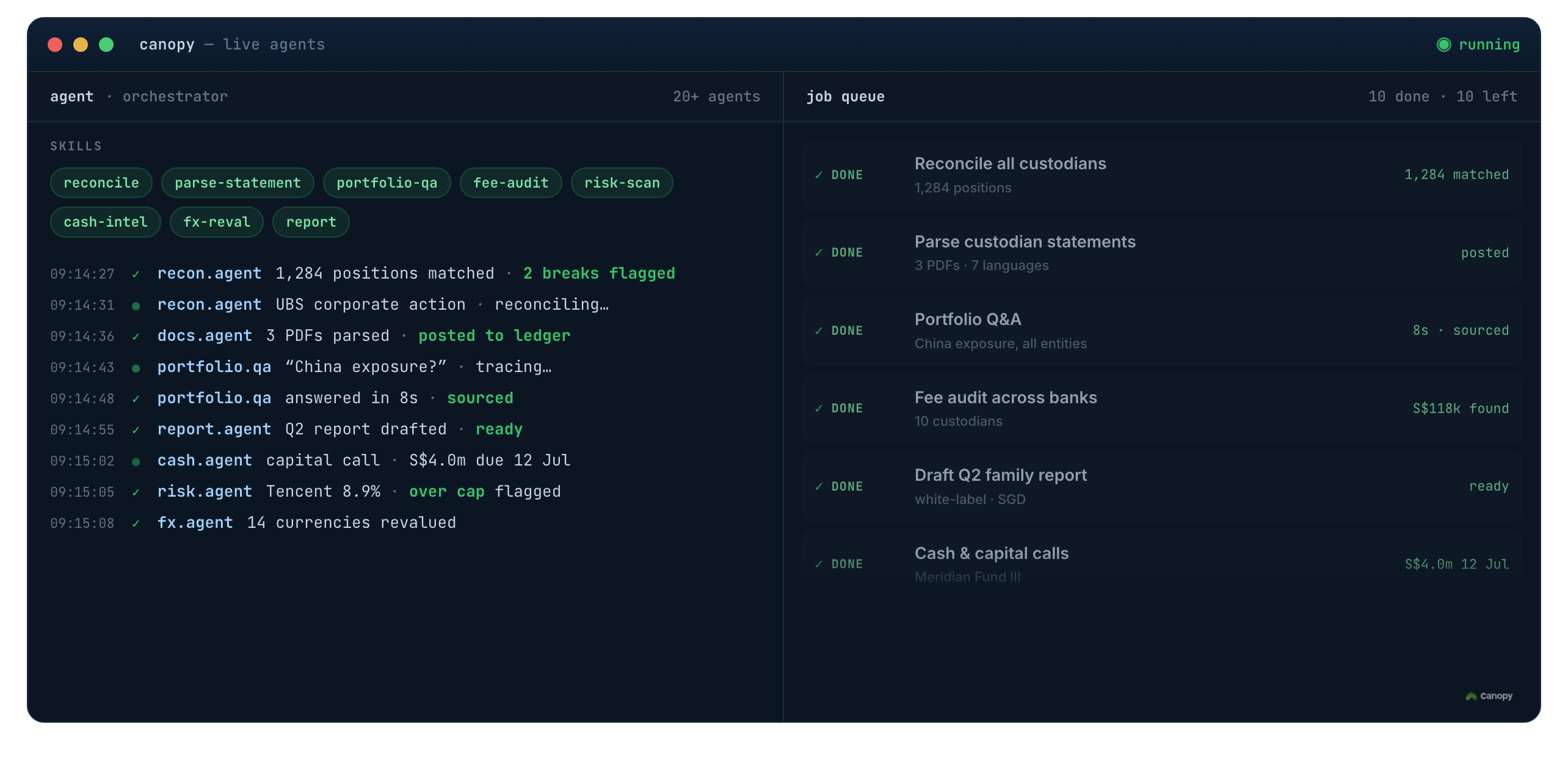
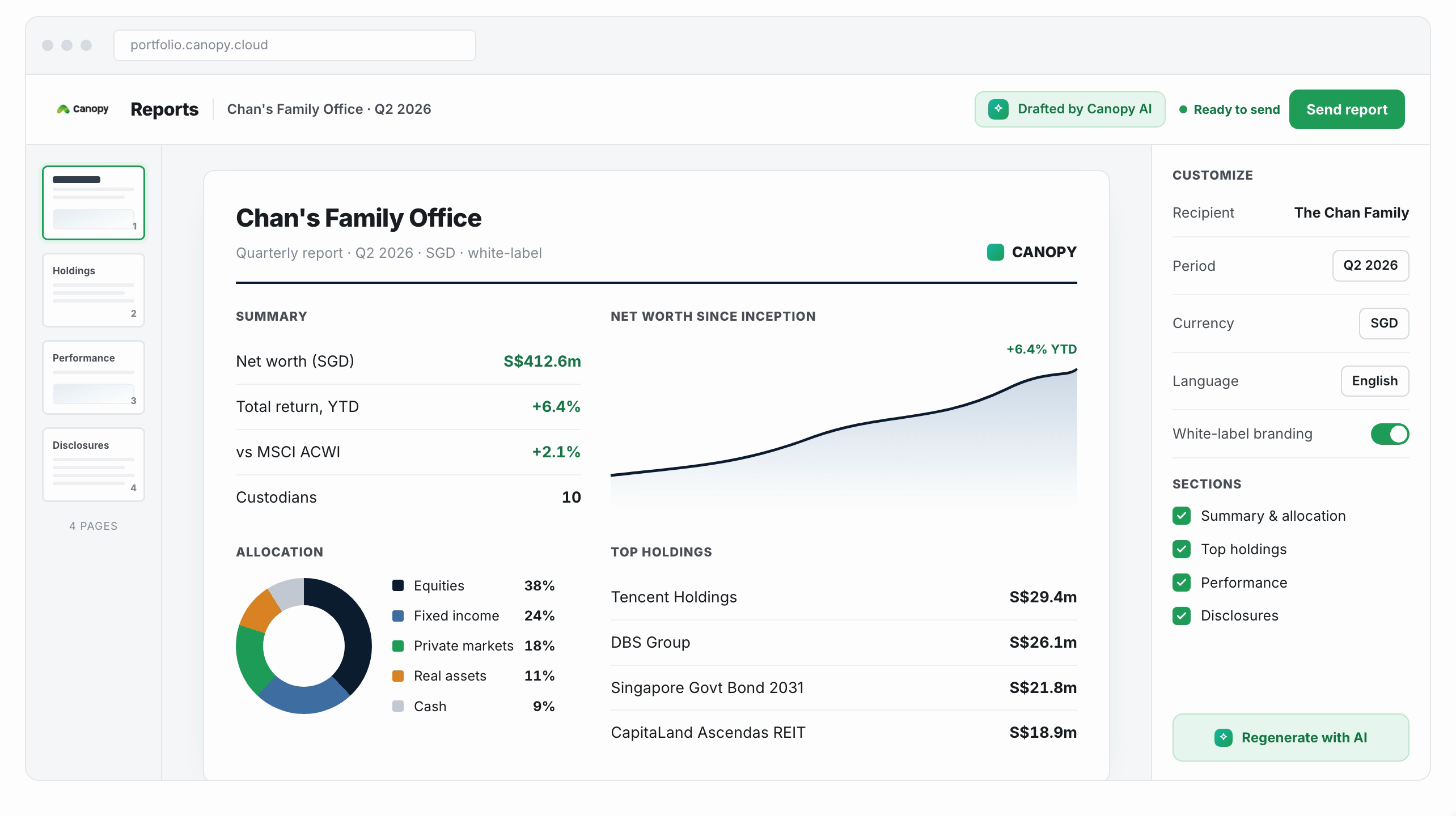
Purpose-built agents prepare the recurring tasks a wealth office runs on, ready for a person to approve.
Briefings and review packs built from the latest portfolio, ready before the meeting.
Review fees and charges across accounts and surface what looks out of line.
Spot idle cash, model the options, and prepare the next step for sign-off.
Capital-call calendar, distributions, and NAV tracking, kept current in one place.
Watch positions against mandates and local incentive-scheme rules, such as Singapore 13O and 13U.
Journal entries and general-ledger export prepared for review, ready for your accountant.
 Illustrative
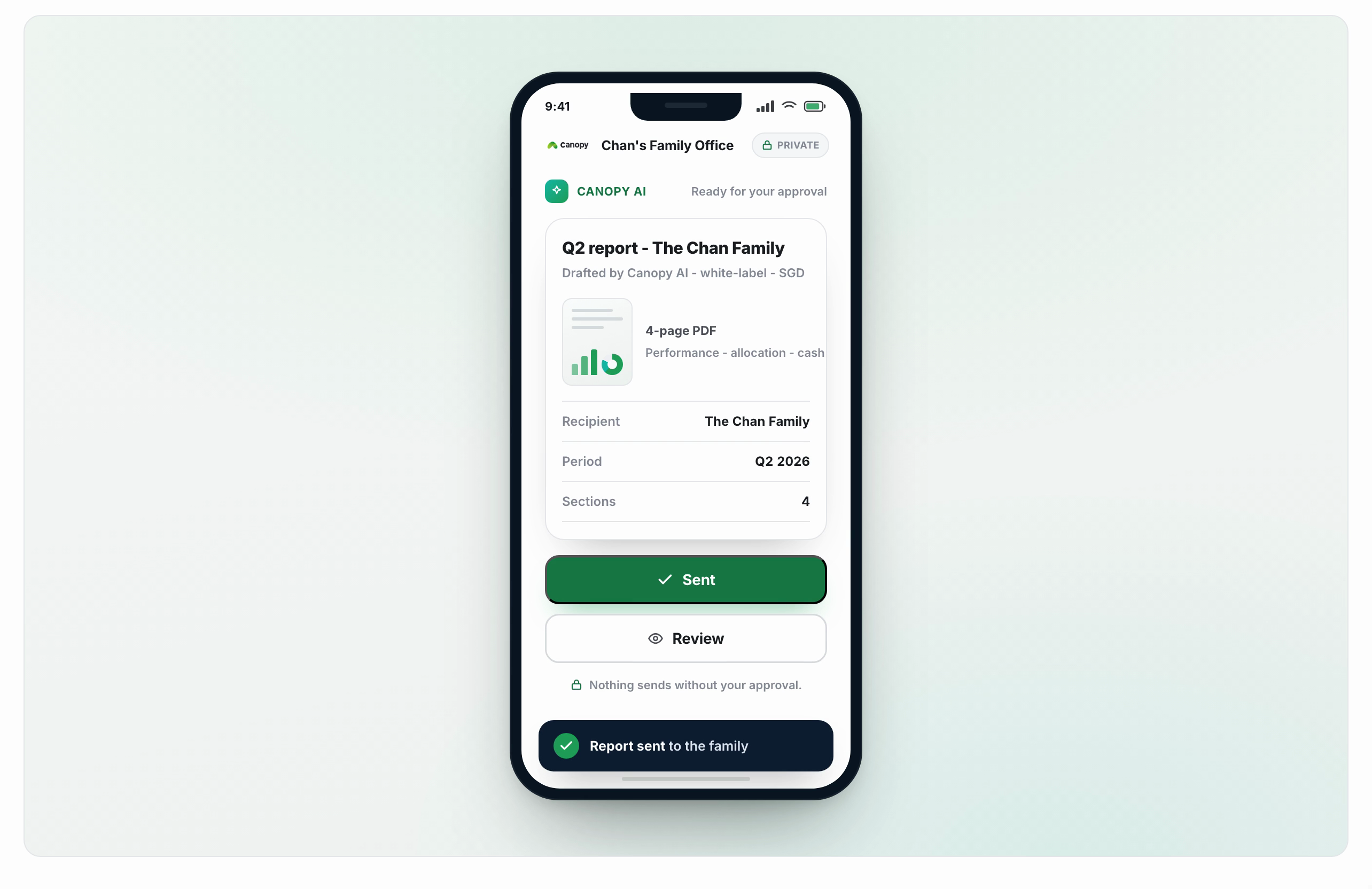
The AI proposes; you decide. It is applied only where you want it.
Nothing acts on your portfolio on its own. Every action waits for a person to approve it.
Turn AI on for the workflows you choose. Some families prefer to keep it off, and that is fully supported.
Every step is logged, and your data is never used to train shared models.
 Illustrative
See which workflows fit your office, on your own statements.